Ansible Roles: Structure and Best Practices in 2022
I've written and maintained Ansible roles across more environments than I can easily count at this point — GCP instances, AWS EC2, on-prem VMware, bare metal. The roles that have held up over years of maintenance all share the same structural habits. The ones that become liabilities tend to violate the same patterns in predictable ways. This is what I actually do when I write roles now.
The Directory Structure and What Goes Where
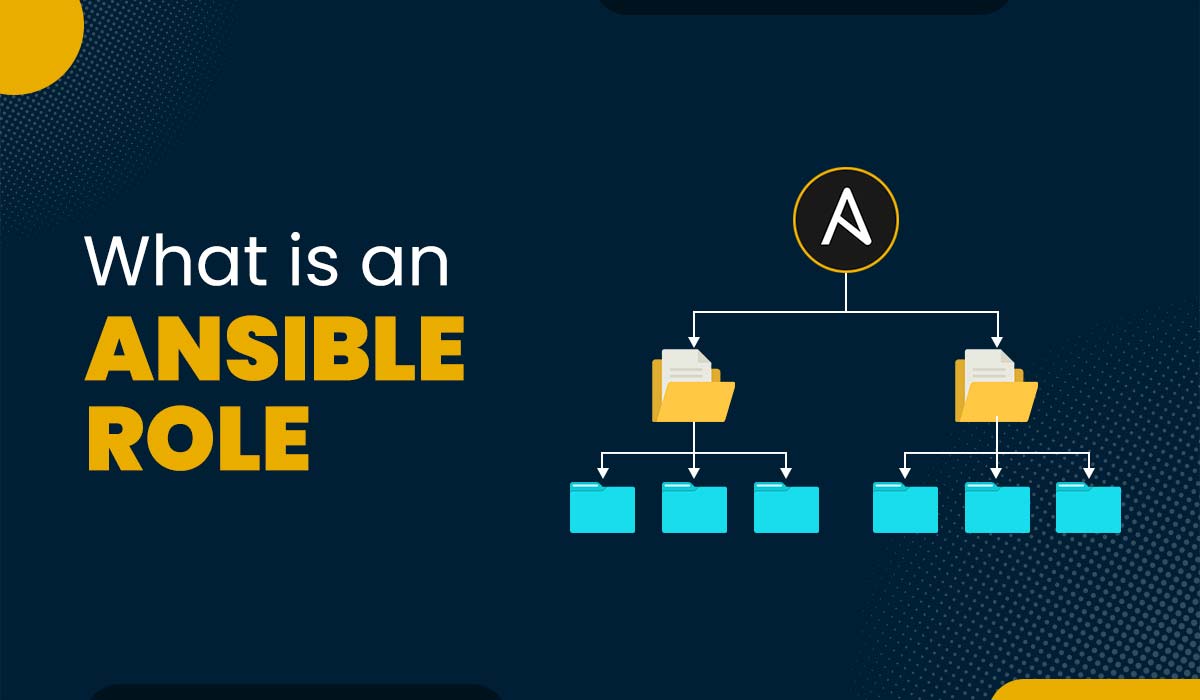
A full role looks like this:
roles/my-role/
├── tasks/
│   ├── main.yml
│   ├── Debian.yml
│   └── RedHat.yml
├── handlers/
│   └── main.yml
├── defaults/
│   └── main.yml
├── vars/
│   └── main.yml
├── templates/
│   └── my-config.conf.j2
├── files/
│   └── static-script.sh
├── meta/
│   └── main.yml
└── molecule/
    └── default/
        ├── converge.yml
        └── verify.yml
tasks/main.yml is the entry point for task execution. handlers/main.yml contains handlers — tasks that run once at the end of a play when notified. templates/ holds Jinja2 templates rendered with variable substitution. files/ holds static files copied verbatim. Everything in defaults/ and vars/ is variable definitions.
defaults vs vars: Get This Right
This is the one that causes the most confusion for people new to role development, and getting it wrong breaks the override semantics.
defaults/main.yml has the lowest priority in Ansible's variable precedence. Anything in inventory variables, host variables, group variables, or extra vars overrides it. This is where you put everything that a role user might legitimately want to change:
# defaults/main.yml
nginx_worker_processes: auto
nginx_worker_connections: 1024
nginx_server_name: "{{ inventory_hostname }}"
nginx_ssl_enabled: false
vars/main.yml has much higher priority — it overrides most inventory variables. This is for internal role constants that are not part of the public interface. If your role needs a hardcoded path to a binary or an internal mapping of OS families to package names, that's a vars/ variable. Users shouldn't be changing it, and the high priority means an inventory variable won't silently override an internal constant.
If you're unsure which to use, put it in defaults. Erring toward overridability is almost always the right call.
meta/main.yml and Role Dependencies
The meta/main.yml file handles Galaxy metadata (author, license, platforms) and, most consequentially, role dependencies:
# meta/main.yml
galaxy_info:
  author: Marie H.
  description: Install and configure nginx
  license: MIT
  min_ansible_version: "2.12"
  platforms:
    - name: Ubuntu
      versions: ["focal", "jammy"]
    - name: EL
      versions: ["8", "9"]

dependencies:
  - role: common-base
    vars:
      base_packages_extra: ["curl", "ca-certificates"]
Dependencies declared here are applied automatically before the role runs. This seems convenient until you're debugging a playbook and can't figure out why a task you didn't explicitly call is running. I use role dependencies in meta/ sparingly. For most cases I'd rather have explicit include_role calls in a playbook than implicit dependencies. Explicit is easier to trace and easier to audit.
Idempotency Is the Contract
Every task in a role should be safe to run repeatedly. This isn't just a nice property — it's the contract that makes Ansible useful for configuration management rather than just provisioning. If you can't re-run a playbook without fear of side effects, you can't use it for ongoing drift correction.
The built-in modules are generally idempotent by default. ansible.builtin.copy checks the file hash before copying. ansible.builtin.template does the same. ansible.builtin.package is idempotent. Where you can break idempotency is with shell commands.
Bad:
- name: Initialize the database
  ansible.builtin.shell: /usr/bin/db-init
This runs every time. Better:
- name: Check if database is initialized
  ansible.builtin.stat:
    path: /var/db/.initialized
  register: db_initialized

- name: Initialize the database
  ansible.builtin.shell: /usr/bin/db-init && touch /var/db/.initialized
  when: not db_initialized.stat.exists
Or better still, use a module that handles the idempotency natively. If shell or command is necessary, always pair it with a creates parameter or a when guard based on a prior stat check.
For services, use state: started not state: restarted. Started is idempotent — it does nothing if the service is already running. Restarted runs every time, causing unnecessary downtime.
Handler Patterns
Handlers are tasks that run once at the end of a play, regardless of how many times they were notified during the play. This is perfect for service restarts:
# tasks/main.yml
- name: Deploy nginx configuration
  ansible.builtin.template:
    src: nginx.conf.j2
    dest: /etc/nginx/nginx.conf
  notify: Reload nginx

- name: Deploy nginx virtual host
  ansible.builtin.template:
    src: vhost.conf.j2
    dest: /etc/nginx/sites-enabled/myapp.conf
  notify: Reload nginx
# handlers/main.yml
- name: Reload nginx
  ansible.builtin.service:
    name: nginx
    state: reloaded
Even if both templates change in the same play, nginx only reloads once at the end. This is the correct behavior.
The flush_handlers meta task breaks the "at end of play" rule intentionally:
- name: Deploy application config
  ansible.builtin.template:
    src: app.conf.j2
    dest: /etc/myapp/app.conf
  notify: Restart myapp

- name: Flush handlers
  ansible.builtin.meta: flush_handlers

- name: Run database migration
  ansible.builtin.command: /opt/myapp/bin/migrate
Here I need the application to restart before the migration runs. flush_handlers executes all pending handlers immediately. Use it when you have a genuine ordering dependency between a handler and a subsequent task.
Error Handling With block/rescue/always
Not every task needs error handling, but operations that acquire resources or modify external state can leave things in a bad state if they fail partway through. block/rescue/always handles this:
- name: Mount and configure external volume
  block:
    - name: Mount the volume
      ansible.builtin.mount:
        path: /mnt/data
        src: /dev/sdb1
        fstype: ext4
        state: mounted

    - name: Run data migration
      ansible.builtin.command: /opt/bin/migrate-data --source /mnt/data

  rescue:
    - name: Unmount volume on failure
      ansible.builtin.mount:
        path: /mnt/data
        state: unmounted
      ignore_errors: true

    - name: Log failure
      ansible.builtin.debug:
        msg: "Data migration failed, volume unmounted"

  always:
    - name: Record attempt in audit log
      ansible.builtin.lineinfile:
        path: /var/log/migration-audit.log
        line: "Migration attempted at {{ ansible_date_time.iso8601 }}"
        create: true
rescue runs only on failure, always runs regardless. I reach for this pattern for operations that need cleanup on failure — mounts, temp directories, partial writes — not for routine tasks.
Tagging
Tags let you run subsets of a playbook. I use functional tags consistently:
- name: Install nginx packages
  ansible.builtin.package:
    name: nginx
    state: present
  tags: [packages]

- name: Deploy nginx configuration
  ansible.builtin.template:
    src: nginx.conf.j2
    dest: /etc/nginx/nginx.conf
  tags: [configuration]

- name: Harden nginx configuration
  ansible.builtin.lineinfile:
    path: /etc/nginx/nginx.conf
    line: "server_tokens off;"
  tags: [security, configuration]
Running ansible-playbook site.yml --tags configuration applies only config tasks. Running --tags security applies only security-tagged tasks. This is useful for partial runs during incidents and for CI pipelines that only need to verify a specific concern.
The never tag is special — tasks tagged never are skipped unless explicitly called:
- name: Reset application data (destructive)
  ansible.builtin.file:
    path: /var/myapp/data
    state: absent
  tags: [never, reset]
This task never runs in a normal playbook run. You have to explicitly pass --tags reset to trigger it. It's a good pattern for destructive or one-off operations you want to keep in the role definition but never run accidentally.
Cross-Cloud Role Design
When a role needs to work on both Ubuntu (my GCP and AWS instances) and RHEL (on-prem VMware), I split the OS-specific logic into separate task files:
# tasks/main.yml
- name: Include OS-specific tasks
  ansible.builtin.include_tasks: "{{ ansible_os_family }}.yml"

- name: Common configuration (all OS families)
  ansible.builtin.template:
    src: myapp.conf.j2
    dest: /etc/myapp/myapp.conf
  notify: Restart myapp
# tasks/Debian.yml
- name: Install packages (Debian/Ubuntu)
  ansible.builtin.apt:
    name: "{{ myapp_packages }}"
    state: present
    update_cache: true
# tasks/RedHat.yml
- name: Install packages (RHEL/CentOS)
  ansible.builtin.dnf:
    name: "{{ myapp_packages }}"
    state: present
ansible_os_family is a fact that Ansible sets automatically — Debian for Ubuntu and Debian systems, RedHat for RHEL, CentOS, and Fedora. The include_tasks call resolves to Debian.yml or RedHat.yml at runtime. Common tasks that work on both OSes go in main.yml after the include.
Testing With Molecule
A role without tests is a role you're afraid to change. Molecule is the standard tool for role testing.
molecule init role my-role
cd my-role
molecule test
The default converge.yml applies the role against a test container. The verify.yml runs assertions:
# molecule/default/verify.yml
- name: Verify
  hosts: all
  tasks:
    - name: Check nginx is running
      ansible.builtin.service_facts:

    - name: Assert nginx is active
      ansible.builtin.assert:
        that:
          - "'nginx' in services"
          - "services['nginx'].state == 'running'"

    - name: Check nginx config is valid
      ansible.builtin.command: nginx -t
      changed_when: false
I use the Docker driver for local development — fast feedback, no cloud resources needed. For CI, the same molecule test command runs on every PR to the role repository. The full molecule test sequence runs create, converge, verify, and destroy in sequence, leaving nothing behind.
The time investment in Molecule pays off every time you refactor a role and the tests catch a regression before it hits any real infrastructure.